Every glyph
Open a TrueType font (.ttf) and see every glyph it contains.
 FontStudio
Tiếng Việt

A font editor for Mac, iPhone and iPad that completes the Vietnamese alphabet.
Mac with Apple silicon · macOS 14 or later · iPhone and iPad · iOS 17 or later
Coming soon to the App Store
Open a TrueType font, see every glyph, and edit its outlines point by point. When the font lacks Vietnamese letters, FontStudio draws them in the font’s own style with an AI model that runs entirely on your device.
Open a TrueType font (.ttf) and see every glyph it contains.
Edit a glyph’s outline one point at a time.
Preview text is drawn only from the font itself. Letters the font lacks show as dashed boxes, so nothing is filled in from another font.
See the information stored in the font.
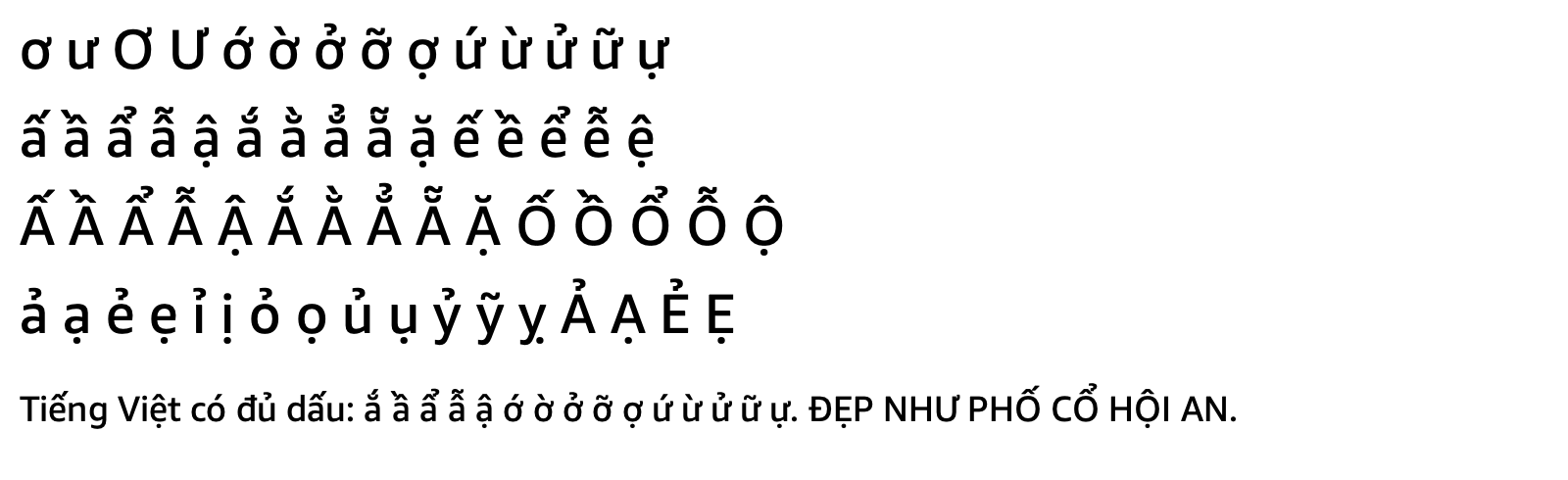
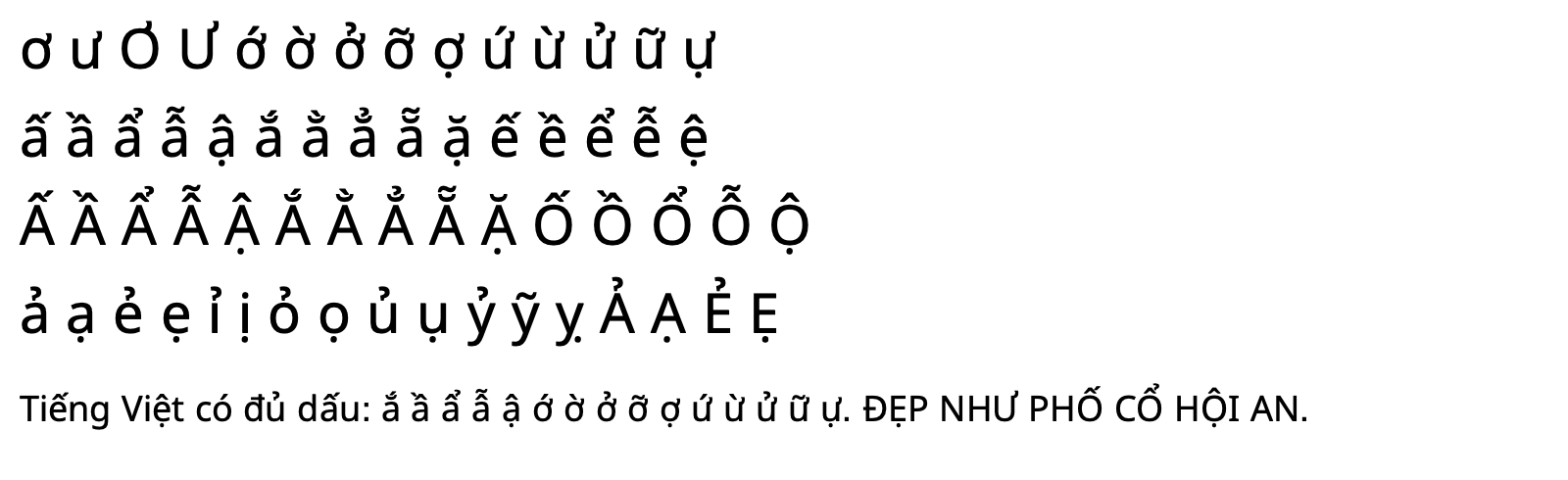
Complete all 178 Vietnamese letters: the accented vowels, ơ, ư, đ and the capitals. An AI model that runs entirely on your device draws the missing ones.
Draw a whole new font from a few sample letters or from style tags.
The app’s interface is in English and Vietnamese.
Free
Free to download.
A saved font keeps up to 20 new Vietnamese letters.
US$19.99
A one-time in-app purchase unlocks saving all letters on Mac, iPhone and iPad with the same Apple Account.
Already bought it? Open Settings in the app and choose Restore Purchases.
Questions, bugs or ideas: write to trungnt.tcb@gmail.com. Please say which device and system version you use and what happened.
TrueType fonts (.ttf) open for editing. OpenType CFF fonts (.otf with PostScript outlines) open read-only.
Not yet. Kerning from the base letters is not yet copied to the new Vietnamese letters.
Review the generated letters before you use a font. They are drawn by an AI model and can need corrections, which you can make in the outline editor.
On a Mac with Apple silicon, about 40 seconds to add the missing Vietnamese letters, and 1 to 2 minutes to draw a whole new font. iPhone and iPad take a little longer.
No account and no sign-in. The AI model runs on your device, and the app makes no network requests of its own. Your fonts and the letters it draws stay on your device.
Open Settings in the app and choose Restore Purchases.
Privacy Policy: FontStudio collects no data.